
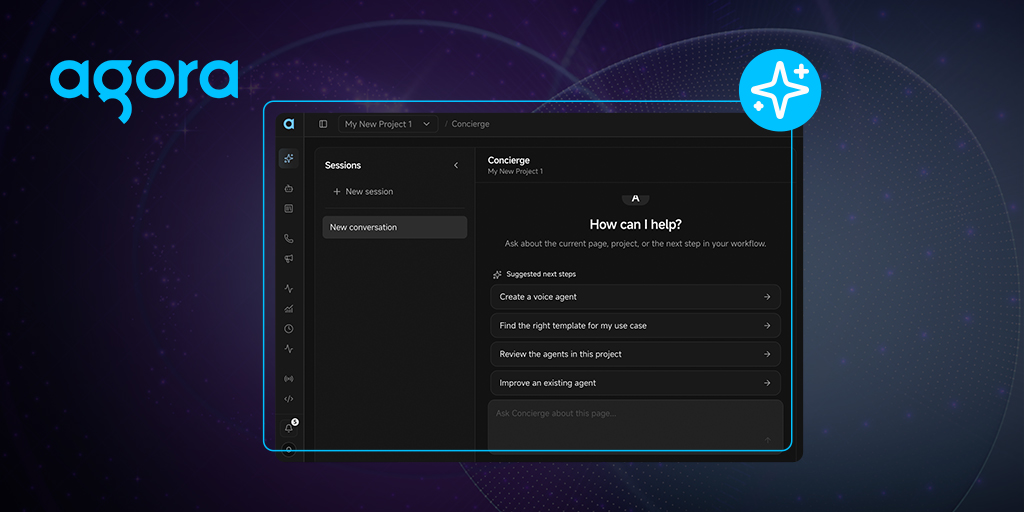
Today we're rolling out a major update to the Agora Console. The biggest addition is Concierge—our AI assistant built into the Console—that can create or modify a voice agent from a plain-language request. Ask Concierge to "create an appointment reminder agent" and it proposes a template, the ASR, LLM, and TTS models, and explains why those choices fit. Nothing changes until you approve the proposal.
TL;DR
- Create or update an agent through the Concierge, with a confirmation step before each change
- Edit every agent in the same interface, no matter how you created it
- Place a real call to your draft from Live Preview
- Manage telephony, platform capabilities, and existing RTC workflows in the same console
For existing Agora users, the practical benefit is a shorter feedback loop. You can configure an agent, call it, adjust it, and publish it without jumping between tools.
How the Concierge fits into your workflow
The Concierge works inside the console, alongside the configuration it changes. That gives it access to the current project context without making you copy details into a separate chat.
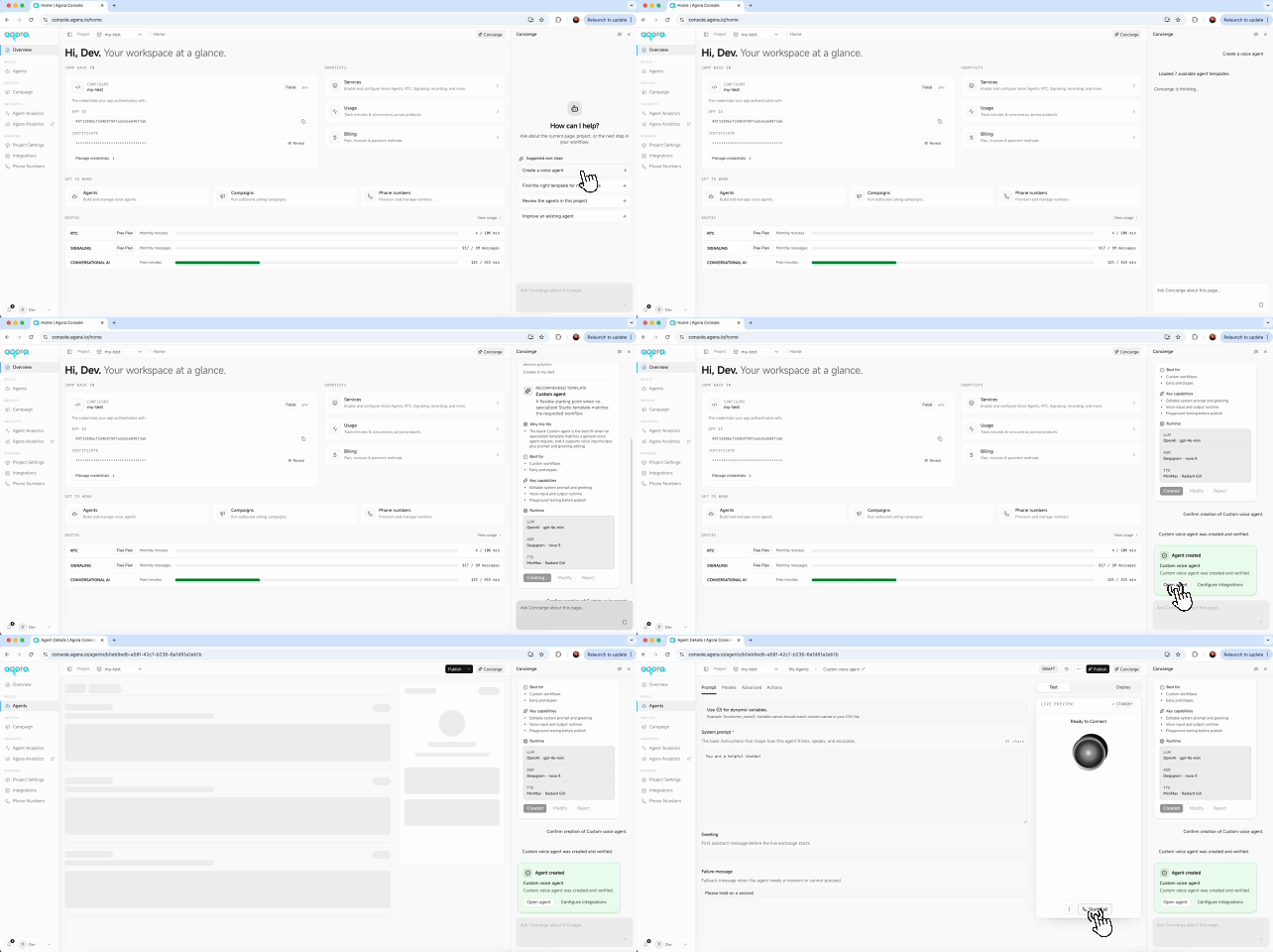
You can open it from the dock on any console page or use the full Concierge page, which includes session history. Both views share project-scoped threads, so you can start a request in the dock and continue it later from the full page.
Ask it to create an agent, modify one, or explain what's in your project. For changes, it returns a proposal card containing:
- The agent to be created and the project it lands in
- The recommended template and why it fits
- The full runtime: ASR, LLM, and TTS, model by model
- Three actions: Create agent, Modify, or Reject
For the appointment-reminder example, the proposal uses Deepgram nova-3, OpenAI gpt-4o-mini, and a MiniMax voice. You can review each choice before creating the agent.
When you confirm a proposal, the console applies the change and records a new version. You can restore an earlier version from the history. The Concierge checks the agents and options currently available in your project, and if it can't verify a detail, it tells you instead of filling in the gap.
One editor for the whole agent
Agents created by the Concierge open in the same editor as agents built from one of the six templates or from a blank slate. In each case, you choose the project and hosting region.
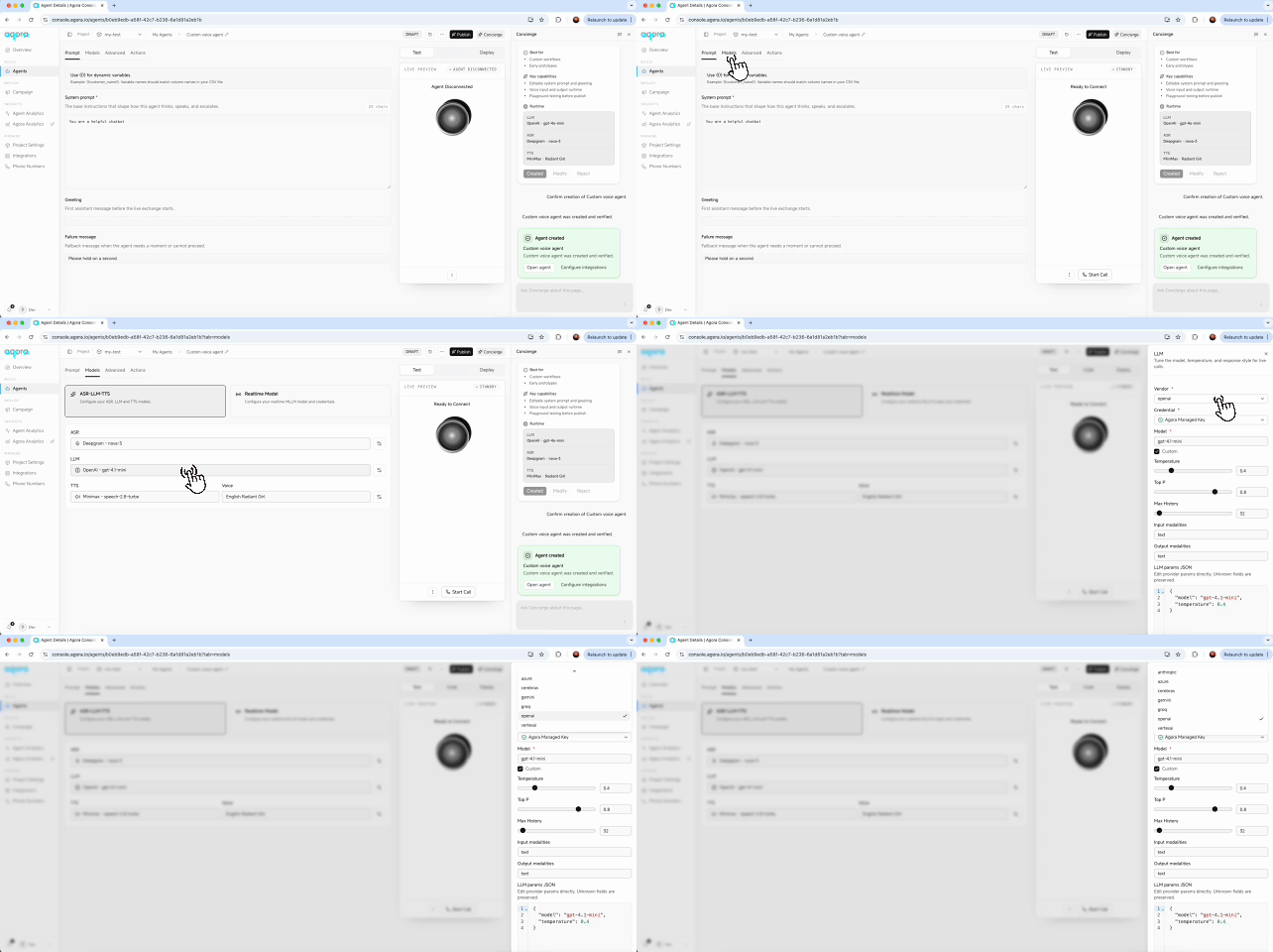
You can keep the agent's prompt, greeting, and behavior while changing the models underneath. Choose a cascaded ASR → LLM → TTS pipeline or a realtime multimodal model. You can use the built-in catalog or provide your own vendor and endpoint. The raw parameters editor preserves fields it doesn't recognize, which lets you pass provider-specific settings through unchanged.
The Advanced tab gives you controls for issues that show up on real calls: turn-detection presets, speech start and end tuning, selective attention locking for noisy rooms, and filler words while the agent processes a response. These features use the real-time voice processing behind Agora's RTC network.
You can also connect RAG knowledge bases, reusable HTTP tools, connectors, and MCP servers. Per-agent allowlists control which tools an agent can use. For outbound calls, you can load dynamic variables from a CSV and use them to personalize each call.
From test call to production
Live Preview places a real call to the current draft in your browser. Click Call, listen to the agent, change a setting, and call again. You can hear the effect before publishing anything.
Agents have a Draft or Live status, and version history records each deployment. After you publish an agent, use the Deploy tab to connect it to inbound phone routing or an outbound campaign. For the reminder agent, that means attaching a phone number and selecting the campaign list it should call.
A cleaner Console, plus accessibility and theming updates
The updated console keeps projects, App IDs, credentials, usage, and webhooks together. You can enable cloud recording, real-time speech-to-text, media gateway, and signaling for each project from their capability cards.
Light and dark themes use the same set of semantic design tokens. We also updated components to follow WAI-ARIA patterns and made keyboard focus predictable, so you can complete the core workflow with a keyboard or screen reader.
Quickstart: try the new workflow in 5 minutes
Starting point: an Agora account and at least one project.
- Log in and open a project.
- Open the Concierge dock and ask for something small: "create an appointment reminder agent."
- Review the proposal and confirm.
- Place a call in Live Preview. Change one thing, call again, until it sounds right.
- Publish, then attach a phone number in Deploy.


