
For the past 12 years, Agora has helped developers build voice, video, and live streaming into their apps. That community now includes more than 450,000 developers, and many are using coding agents to do their work.
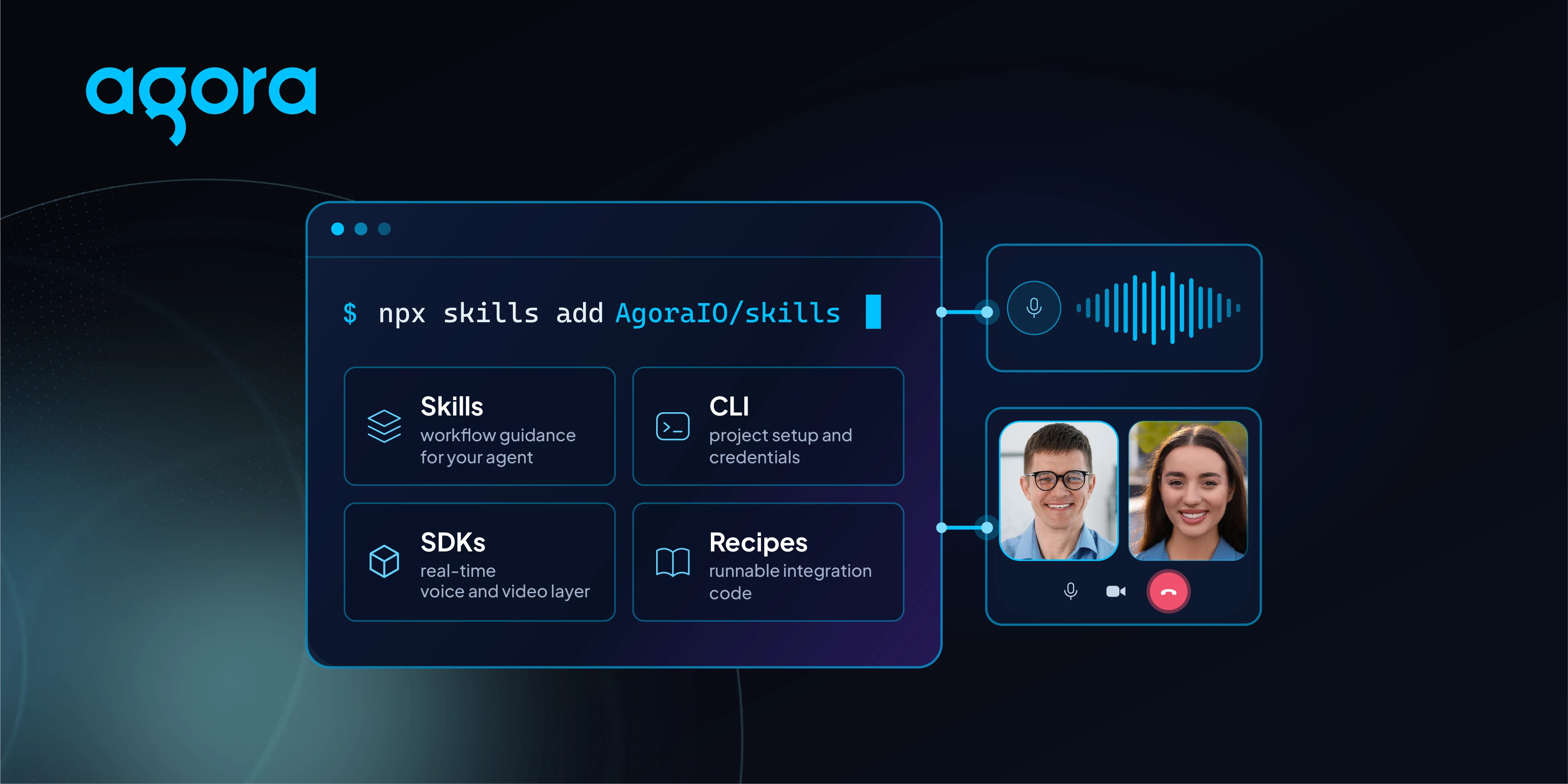
The Agora AI Developer Toolkit brings our SDKs, Skills, CLI, and Recipes into that workflow. It gives agents like Claude Code, Cursor, and Codex Agora-specific guidance, tools they can run, and examples they can adapt to your project.
You can use it to add video calls to an existing app or build a conversational AI experience from scratch.
Start with something you want to build
Open your coding agent and ask:
“Help me build a voice agent with Agora that I can talk to in my browser.”
You don’t need to install Agora Skills or the CLI before getting started. Include your preferred platform, or open an existing project so the agent has some context. It can then select the SDKs, set up the project, and write the integration using Agora’s guidance and examples.
Aim for a first working demo in 5–10 minutes. Once you can talk to it, try giving it a specific job:
“Make it an English conversation tutor. Keep replies short and show the transcript on screen.”
Running the app gives you something concrete to work with. You might find that the tutor talks too much, that you need a way to restart the conversation, or that the transcript is hard to follow. Ask for those changes as you try it.
If you already have an app, start there:
“Help me add Agora video calls to my app.”
What’s in the toolkit
The toolkit has four parts, each with a different role:
- Agora Skills give your coding agent Agora-specific integration guidance, including help choosing SDKs and following the setup steps.
- Agora CLI provides commands for project creation, environment configuration, and diagnostics. You or your agent can run them.
- Agora Recipes includes more than 60 examples and practical guides with code to reference and adapt.
- Agora SDKs provide voice and video calls, interactive live streaming, and conversational AI capabilities. The Agents SDK handles voice agent configuration and session management.
The SDKs power the app you’re building. Skills, the CLI, and Recipes help your coding agent work with them.
Give your voice agent a job
A browser demo is a useful starting point, but the details depend on what you want the agent to do. A hotel receptionist needs a different conversation flow from an IT support agent. A shopping assistant may need to look up products, while a booking agent needs to collect and confirm information.
We’re developing recipes for ten conversational AI use cases: IT troubleshooting, consumer electronics support, customer feedback surveys, event reminders, hotel reception, recruitment screening, youth basketball trial sales, patient triage and appointment booking, voice shopping, and travel booking. These recipes are still in development.
There’s room to experiment beyond those workflows, too. You could build a drawing-and-guessing game that responds as someone draws, or an interactive storybook where a reader can talk to the characters.
Keep building from the demo
Once the basic conversation works, you can add tool calling, work on how the agent handles interruptions, or introduce translation between languages. Browse Agora Recipes for examples from Agora and the developer community, and ask your coding agent to adapt one to your app.
You’ll continue using the same Agora SDKs as the project develops. Getting a demo running gives you a place to start testing the interaction and figuring out what needs more work before production.
To get started, open your coding agent with a project in mind, or use the browser voice agent prompt above. The Start with AI guide walks you through it.


