

Agora Skill now supports setting up a one-to-one voice and video calling demo for the web, extending its guided setup workflow from Voice Agent to RTC. Once Agora Skill and the Agora CLI are installed, you can ask your AI coding assistant to set up and run the demo.
The Skill gives your assistant the instructions to follow, while the Agora CLI handles project setup and credentials. Together, they help your assistant get the demo running with less manual work from you.
How it works
The CLI now includes a one-to-one calling scenario. Following the Skill’s instructions, your assistant uses the CLI to guide you through signing in and choosing an Agora project, or creating one if needed. It then retrieves the App ID and project credentials, prepares the demo, and runs it.
Once the demo is running, turn on your camera for a video call, or leave it off for an audio-only conversation. You have a Web calling demo and its source code to explore and extend. The interface follows the same design as the Voice Agent Quickstart, giving both scenarios a consistent look and feel.
A faster path from prompt to prototype
Less manual setup. The CLI retrieves the credentials the demo needs, so you don’t have to copy values from the console and pass them back to your assistant. Your main setup interactions are signing in once and choosing a project.
A more predictable workflow. Your assistant starts with a complete calling example and a defined setup sequence. That reduces the implementation decisions it needs to make before you can try the demo, while the Skill and CLI connect project preparation with running the sample.
Up and running sooner. In early trials, our engineering team reported completing setup in under 10 minutes. Actual time will vary with your development environment, network, and coding assistant.
Get started
Run the demo locally and try a one-to-one video call between two browser windows.
Prerequisites
- An AI coding tool that supports Skills, such as Codex or Claude Code
- Node.js 22 and npm or pnpm installed locally
1. Install Agora Skill and the CLI
In your terminal, install Agora Skill for your coding assistant:
npx skills add github:AgoraIO/skillsThen install the Agora CLI. On macOS or Linux:
curl -fsSL https://dl.agora.io/cli/install.sh | shOn Windows, use PowerShell 7+:
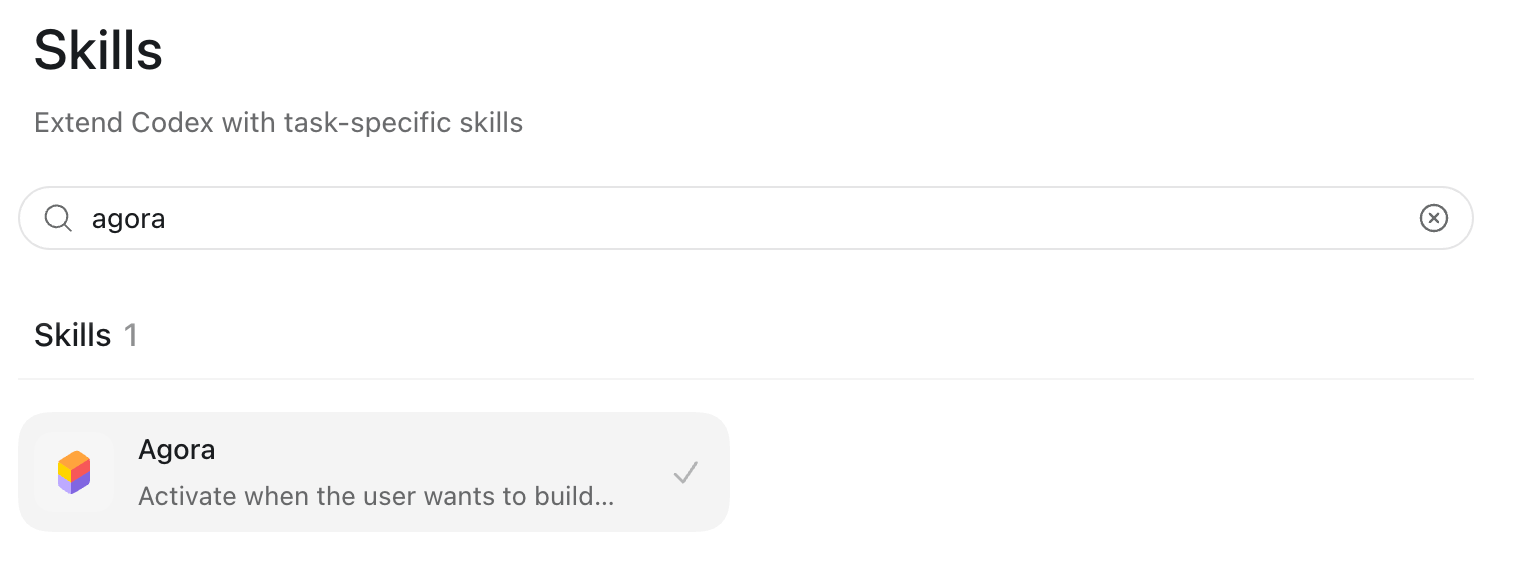
irm https://dl.agora.io/cli/install.ps1 | iexMake sure Agora Skill is loaded in your coding tool. Tool-specific setup instructions are in the Agora Skill repository listed below.
2. Run the demo with a prompt
With Agora Skill loaded, send this request to your coding assistant:
I'd like to create an Agora video call demo, could you help me?
Follow the sign-in prompts, then select an Agora project or create one. If the project has no primary App Certificate, enable one in Agora Console or choose another project.
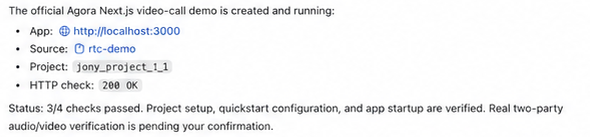
When your assistant returns the local URL, open it in your browser. You should see the Quickstart home page with a Create Channel action.
3. Make your first call
Select Create Channel, enter your display name, and copy the invite link. Select Join Call and allow camera and microphone access when prompted.
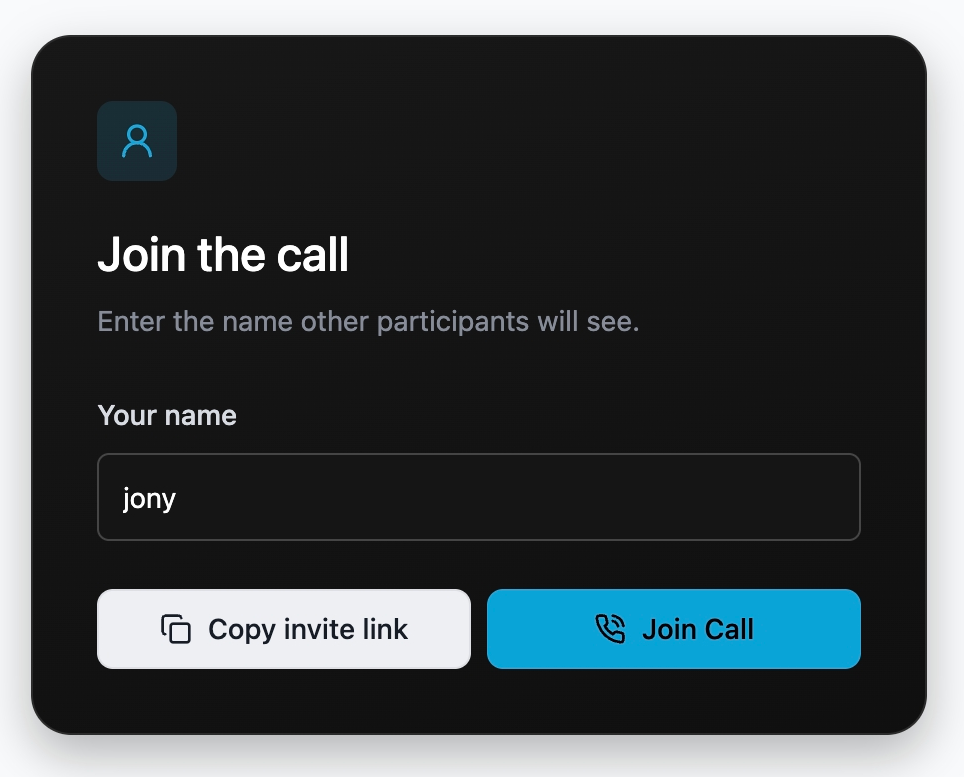
Open the invite link in a second browser window on the same computer. Enter a different display name and join the channel. Keep both microphones and cameras on, and check that each window shows the other participant’s video and receives their audio. Use headphones to avoid feedback.
You now have a local copy of the Quickstart to explore and extend. See the RTC Quickstart repository below for configuration and deployment instructions.
We plan to add more scenarios and extend support to additional platforms and programming languages.
We’re also refreshing the Voice Agent and RTC experiences in the Agora Console. You can try both scenarios more easily and copy sample code to continue building.


